
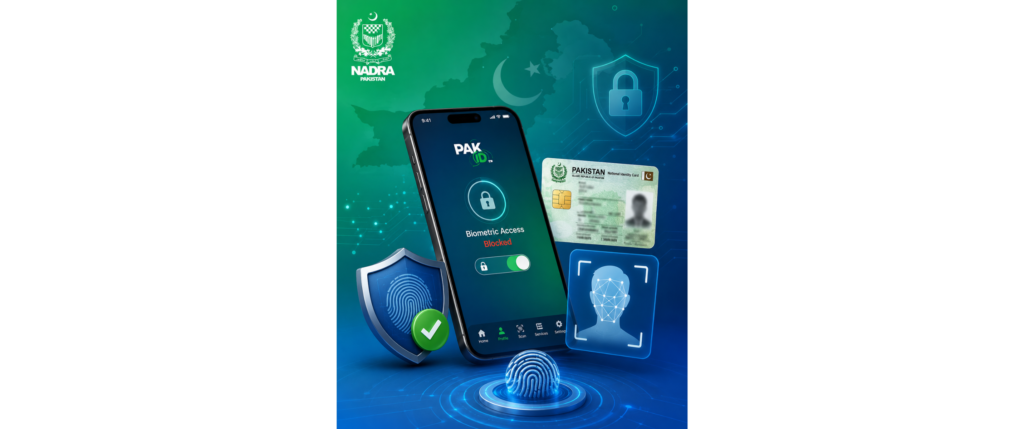
NADRA Introduces Biometric Data Control Feature via Pak ID App
The National Database and Registration Authority (NADRA) has launched a new feature allowing citizens to take full control of access to their biometric data through the Pak ID mobile application.
The newly introduced feature, titled “Block Biometric Data Access,” enables users to restrict biometric verification of their identity without explicit consent. Once activated, fingerprint or facial recognition verification will not be possible at any institution or service point unless the user temporarily authorises access through the app.
According to NADRA officials, the initiative is aimed at strengthening the protection of sensitive personal data and ensuring that control over biometric information remains entirely with citizens. The move is part of broader efforts to enhance digital security and prevent unauthorized use of identity data.
To activate the feature, users are required to log in to the Pak ID app, navigate to profile settings, and select the “Block Biometric Data Access” option. In certain cases, additional verification through fingerprint or facial recognition may be required, depending on the user’s device.
NADRA further stated that users can easily disable the feature temporarily whenever biometric verification is needed and re-enable it afterward to maintain data security. This flexibility ensures both convenience and protection for users.
The authority has also released an instructional video to guide citizens on how to use the feature effectively. Officials emphasized that the system provides enhanced control over personal identity data and significantly reduces the risk of misuse or unauthorized access.
imranghh78@gmail.com